Developers across India are quietly rethinking how they build sites and apps. A lot of it comes down to AI APIs. They’re not fancy buzzwords anymore — they’re like that friend who helps you do ten things at once. Whether you’re building a chatbot for an e-commerce store in Bengaluru or trying to add smart content summaries to a learning platform, AI API integration makes things faster, cleaner, and sometimes cheaper.
The web dev space in India is booming. Startups and freelancers are using AI APIs in web development to get ahead, while bigger companies are adding Answer Engine Optimization (AEO) and Generative Engine Optimization (GEO) to stay relevant in Search Generative Experience (SGE) results.
This guide is more like a toolkit — simple talk, practical stuff, no over-engineering. Let’s jump into what works and how you can start using AI APIs smartly in your web development projects
Understanding what AI APIs really mean for web developers
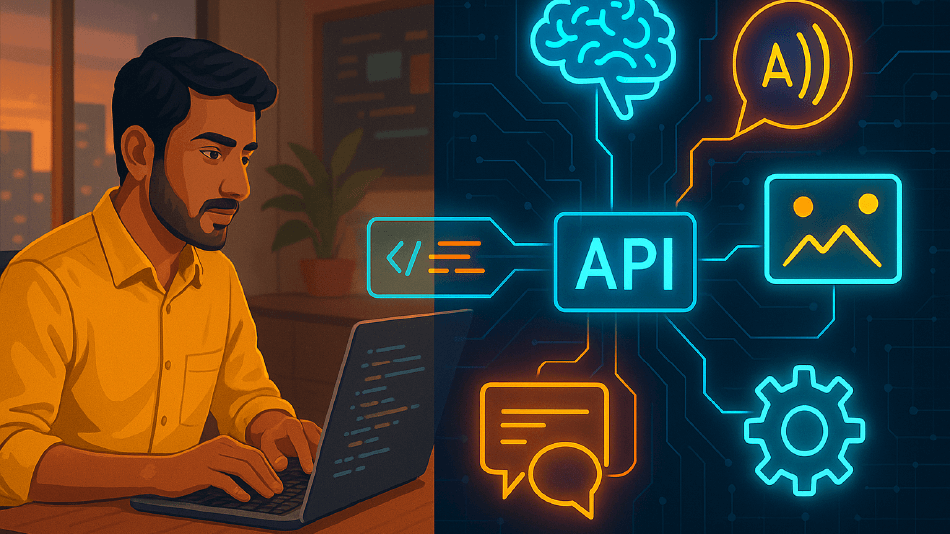
An AI API (Application Programming Interface) is a service that lets your web app talk to an artificial intelligence system — kinda like calling a friend who knows a bit more than you about machine learning. You send data, it processes it, and sends back insights or predictions.
In plain words, it means you don’t have to build your own machine learning model or manage complex AI systems. You just use the API endpoints to get results — be it for text generation, image recognition, or natural language processing (NLP).
Few common types of AI APIs developers in India are using
- Chat and text APIs (like OpenAI, Gemini, Cohere)
- Vision APIs for image classification or OCR
- Speech APIs for transcribing Indian languages
- Recommendation or personalization APIs
- Data analytics or summarization APIs
They help Indian devs move fast and make smarter apps without heavy setup.
Why AI API integration is now shaping modern web development trends in India
In India, developers are under pressure to deliver faster and smarter. Clients want automation, personalization, and chat features that actually “get” users. That’s where AI API integration comes in — bridging code with intelligence.
AI APIs in web development make it easy to add features that earlier needed months of backend work. You can now:
- Add chatbots that answer customer questions in Hindi or Tamil
- Suggest products with recommendation engines
- Auto-generate blogs with text generation APIs
- Translate web pages for local audiences
These all improve both user experience and Answer Engine Optimization (AEO) visibility. When your site gives quick, structured answers, you show up better in generative search results, especially with tools like SGE.
Comparing top AI APIs developers prefer for web
API Name | Best For | Free Tier | Indian Language Support | Notable Use |
OpenAI API | Text, chat, image generation | Yes | Partial | Chatbots, blog content |
Google Gemini API | Generative and search-related tasks | Yes | Strong | AEO, GEO, search features |
Microsoft Azure AI | Speech, image, NLP | Yes | Moderate | Enterprise integrations |
Hugging Face | Custom ML models | Limited | Depends on model | Experimentation & prototyping |
AWS Bedrock | Scalable ML services | Limited | Limited | Data-heavy projects |
Pick the one that matches your stack, your team’s comfort, and your budget. For smaller Indian startups, free-tier APIs are often enough to start.
How to integrate AI APIs easily into any front-end or back-end framework
You don’t need to reinvent anything. Most AI APIs follow standard REST or GraphQL formats. That means you send data, wait for a response, and show results on your website.
Here’s a super simple example in Node.js to connect to a text generation API:
import fetch from “node-fetch”;
async function getAIReply(prompt) {
const res = await fetch(“https://api.openai.com/v1/chat/completions”, {
method: “POST”,
headers: {
“Content-Type”: “application/json”,
“Authorization”: `Bearer ${process.env.OPENAI_KEY}`
},
body: JSON.stringify({
model: “gpt-4”,
messages: [{ role: “user”, content: prompt }]
})
});
const data = await res.json();
console.log(data.choices[0].message.content);
}
getAIReply(“Write a funny one-liner about web dev in India”);
Looks chill right? Most frameworks (React, Django, Next.js) handle similar patterns.
How AI API integration supports Generative Engine Optimization
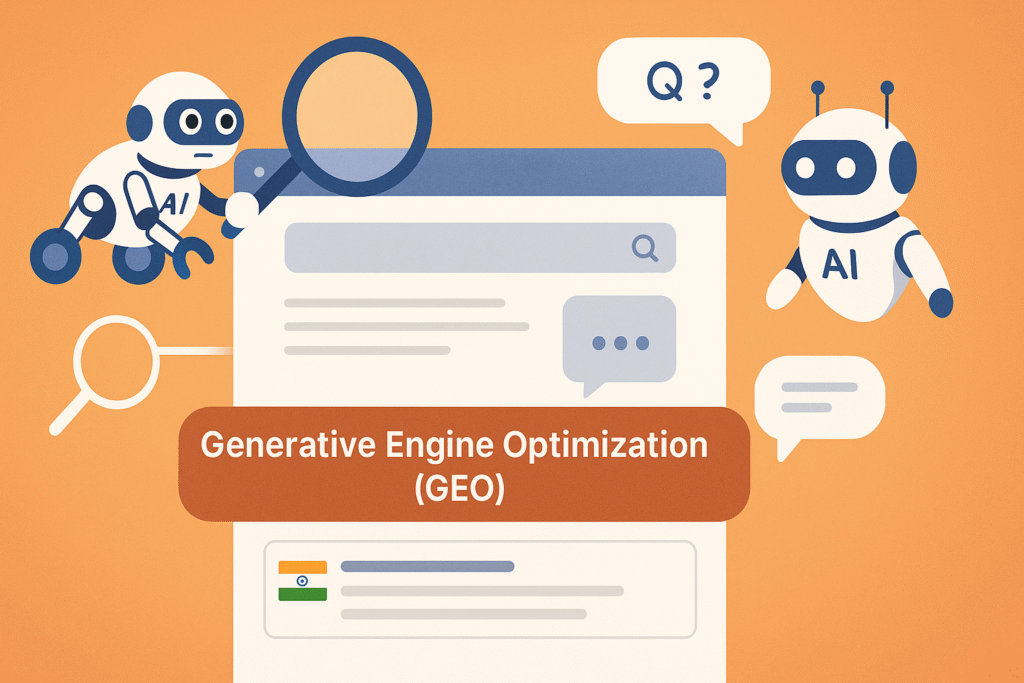
Search is no longer just about keywords and backlinks. With Generative Engine Optimization (GEO) and Answer Engine Optimization (AEO), your content must be machine-friendly.
AI APIs help your web app structure data so generative engines (like SGE or ChatGPT Search) can pick answers faster. For example, using structured JSON data, clean HTML, and FAQ markup helps both GEO and AEO.
Steps to boost GEO and AEO via AI APIs
- Build content via NLP APIs that answer real questions
- Format responses using schema.org
- Use chatbots and Q&A blocks for long-tail keyword coverage
- Keep content concise for Answer Engine ranking
- Add multilingual API translation for Indian users
Small tweaks make your web pages appear in AI overview panels and voice assistant results
AI API integration project Checklist
Before you plug in an AI API, get your basics sorted. Here’s a simple checklist you can keep handy:
✅ Make sure API supports your preferred Indian languages
✅ Check pricing — some APIs charge per token or call
✅ Secure your API keys — never expose them on frontend
✅ Validate privacy and data laws for India
✅ Set rate limits to avoid billing surprises
✅ Test locally before deployment
✅ Add fallback if API times out
✅ Log every request and response
A small mistake, like a public key leak, can mess up your whole setup.
Practical benefits of using AI APIs for web development projects designed for Indian markets and local audiences
- Faster development: AI APIs save coding time, so devs can focus on UI/UX
- Smarter UX: Better personalization using user behavior data
- Lower cost: No need for heavy servers or model training
- Scalability: APIs scale automatically when traffic spikes
- Better AEO: Structured, accurate answers attract AI-based engines
Indian companies are using these APIs for everything — from restaurant menu assistants to voice-based job portals. Real results, less fuss.
Real Indian case examples showing how AI API integration
Let’s peek at a few real-style stories (names tweaked, but scenarios real):
- Startup in Pune used Gemini API for multilingual content summaries, boosting time-on-site by 38%.
- EdTech firm in Chennai added an NLP chatbot API, and saw 52% drop in customer query load.
- Small retailer in Delhi integrated recommendation API, and their repeat users grew 27% over 3 months.
These are the kinda wins that matter. Even smaller dev teams can pull this off if they know how to work smart with APIs.
Challenges faced during AI API integration
No sugarcoating — integrating AI APIs can get messy sometimes.
Common challenges
- API rate limits or latency for India-based requests
- Localisation problems for Indian language support
- Sudden cost spikes when traffic grows
- Error handling & inconsistent responses
Simple fixes
- Use caching to store frequent responses
- Pick API regions closer to India (Singapore or Mumbai servers)
- Monitor usage via dashboards
- Build a fallback when API returns null data
With small debugging steps, these don’t turn into disasters.
Best practices Indian web developers can follow to improve AI API performance
Here’s a mix of tech and SEO tips that actually work together:
- Keep API output concise to fit in answer snippets
- Always include structured data for AEO
- Translate answers into 2–3 Indian languages
- Don’t overload API calls — batch them smartly
- Write API-based content in human tone
- Reuse generated data for FAQ schema
These actions make your pages more AI search friendly, boosting generative visibility while keeping load time short.
Future scope of AI API integrations in Web Development
The next few years are gonna be big for India’s AI web dev space.
The AI API market is exploding — local companies are already offering affordable generative APIs tuned for Indian languages. Soon, we’ll see:
- Native APIs trained on Indian datasets
- Voice-based AEO for regional accents
- Government frameworks for AI compliance
- Integration kits for local hosting
If you’re a web dev in India, now’s the time to learn AI API integration properly. It’s your ticket to stand out in client projects and get your apps discovered through GEO and AEO engines.
Conclusion
Integrating AI APIs in web development isn’t some futuristic skill. It’s already here, and Indian developers are using it daily — from chat support to auto blog writing. The best part? You don’t need big resources, just the right mindset and a bit of curiosity.
When you start using AI API integration with attention to AEO and GEO, your projects gain more reach in AI Overview and search generative results. You help users get instant, accurate info — and your web app becomes their go-to.
Keep it simple, stay practical, and keep testing new APIs. There’s no fixed formula — but when you mix smart code, clear data, and a little Indian creativity, you’ll build things that stand out online.